I’ve probably written about CYME PeakTo before but today seems like a good time to do so again. And to tell you how I have reorganized all of the photos at Dismal Manor. This all began when I noticed that the 2 TB MacOS system volume was getting skosh free space so I began looking into a potential solution. Read on to learn about the tools used and what I did.
High clouds taken with iPhone 11 Halide Camera and rendered by Pixelmator
I prefer to shoot raw rather than JPEG and recently discovered that regular iPhones (the not Pro kind) can shoot raw using 3rd party camera apps. Today we will take a look at a couple of these apps, Halide Camera [6] and Obscura Camera [7] and compare these to Apple Camera.
Here I’ll highlight the strengths and weaknesses of Apple Camera, Halide Camera, and Obscura Camera that I have experienced in use.
To shoot raw, you need to develop the latent image using a rendering app such as Skylum Luminar Neo [9] or PixelMator Pro or Photomator from the Pixelmator Folks [8].
Missy in the Raw, iPhone 11, Halide, and Luminar Neo
Time to replace your iPhone? Lusting after RAW photography? Too cheap to shell out $400 more for RAW capability (and fancier lenses and processing). Well, entrepreneurs have an alternative for you, a replacement camera app that better utilizes your current iPhone’s capabilities. This post will introduce the Lux Halide camera app and review manual exposure concepts.
The Dismal Retired Moocher has been taking photography since high school and digital photography since the early Oughts. His first camera was Dad’s Argus C3 bought when we moved to Gales Ferry, Connecticut. Dad didn’t use it much so it went to college with DW.
DW’s first digital camera was a Sony point and shoot styled like a range finder camera. It had a built in flash, optical finder, and a bit of a zoom lens. Later, a Panasonic Lumix point and shoot replaced it. Then a series of iPhones and iPads, and Sony mirrorless DSL cameras. And a sequence of photo editing and managing applications, Apple iPhotos, Apple Aperture, Adobe Lightroom, Phase One Capture One Sony Edition (retired by Phase One), and most recently Skylum Luminar in its various editions.
So we have a lot of files in a lot of places dating back to the beginning of digital photograph time here at Dismal Manor. It became a mess with multiple copies of everything as Apple struggled with iCloud’s hierarchical file system and the iOS services that used it. And various MacOS updates forced photo product updates as Apple had “better ideas” and migrated from one product to another in a forced photographical death march and DW flirted with various “serious photography tools” like LightRoom and CaptureOne.
This post is about our journey and how it led to some of the workflow I now use and the photographical computing problems that they solve. In particular we look briefly at CYME’s PeakTo product. The more you fiddle with it, the more it amazes
Skylum developers remain at work in Ukraine. Women and children have evacuated while military age males remain in the country to be called up to fight if needed. Skylum collaboration tools are hosted internationally allowing a measure of safety from acts of Ivan. Remember Ivan? He’s back. And worse than ever.
Boy do I miss Khrushchev! When he invaded a neighbor, he just seized the joint. Putin, medieval siege warfare. He is leaving rubble, mostly destroying the economic value of the contested territory.
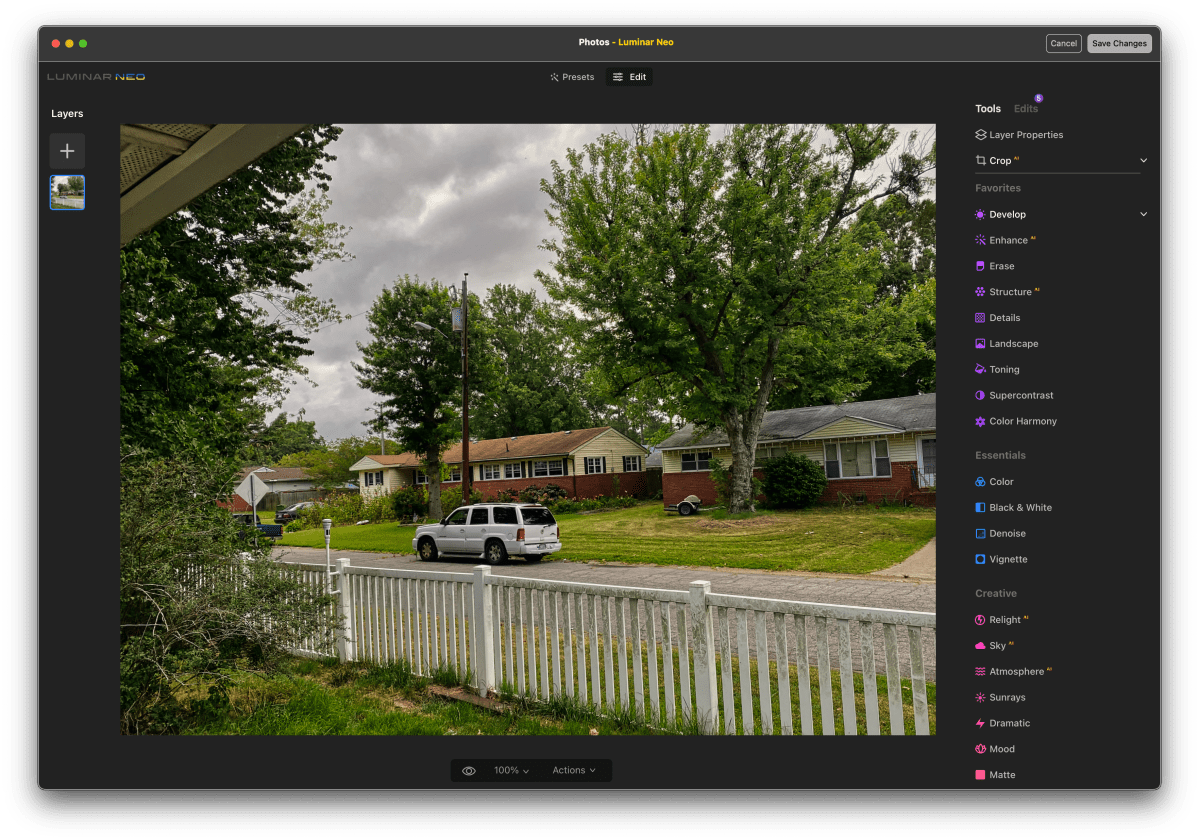
Anyway, Luminar Neo is now Version 1.2. Version 1.2 adds bug fixes but also integrates most of the RAW HDR development capabilities of Aurora HDR, another Skylum product.
We begin and end most days by taking a photo of the dramatic Dismal Dominion skyline as viewed from Dismal Manor. The Staff finds clouds fascinating and is pleased to have an editing tool that does them some justice. While editing such an image, Staff foolishly put the iPhone 11 on to charge by connecting it to the iMac’s Thunderbolt Dock. Photos abandoned the edit to import something from the phone. But, normally, there is nothing to be imported. Said Apple ID has “Use iCloud Photo Library” enabled. And we pay for extra storage like good Apple dumplings. So, what happened and what was the lineup.
Mylio Photos is a new device independent and operating system independent image asset management tool for MacOS and Windows 10 or later. Mylio’s architecture and design is based on the premise that tech comes and tech goes but that your images are unique and irreplaceable. Mylio offers well-conceived image management by date, geo-tag, people-tag, categories, and keyword tags, etc. Mylio works because file formats are standardized and long-lived. As a result, images can be edited and rendered multiple times over their lifetime if they can be kept safe and located. Mylio’s design allows you to work with its internal editor or an editor of your choice.
Mylio is offered as a service for $100 per year software subscription. Your images stay “within the lifelines”, that is, on your local machines. Mylio is a non-destructive editor. That is, Mylio keeps your images using standard file formats for image encoding and image editing specification encoding. Mylio preserves the unedited original and reconstructs and presents the edited version upon request. Edited thumbnails are available for browsing. And all of your portable iOS and Android devices can participate. Read on to learn more.
Photo: by the author and edited in the new Skylum Luminar Neo
Skylum is a group of Ukrainian photographers and programmers with a 20+ year history of developing photo editing tools designed to reduce the amount of fiddling needed to develop and render fine art photos. Luminar makes the process so quick that phone snapshots can be made presentable in a minute or two. With a bit of care, Luminar Neo can make sophisticated edits as demonstrated by the candid portrait edits toward the end of this post. Luminar can be used from within Photos or a Photos image may be added to the Luminar catalog to retain the edit history.
Skylum Folk are at Risk in Kyiv
Skylum was proudly founded in Ukraine, and our core development center is based in Kyiv. At this harrowing time, unfortunately we cannot guarantee the on-time delivery of updates to Luminar Neo. We strive for excellence in everything we do, and we will make sure to further develop and improve Neo and to keep you updated on any news.
In this post I’ll describe photography at Dismal Manor, our equipment, and the production workflow here. We use Skylum products in that workflow, currently Luminar AI but expect to migrate to Luminar Neo in 2022.
Image taken by the author and manipulated in Apple iOS Clips.app. Photos of the Bovver Boys courtesy of their social media minions.
Rocky has made great strides in his house manners. We continue to work on treat taking, table manors are largely down when I’m at the island counter, and he is getting the hang of moving about the house. He’s caught on that Missy won’t be bullied to change beds.
He’ still a shouty git. He still wants brekkie at 0400 but waits to mug me after a loo visit. He still wants his tea around 1530 but can be distracted into waiting until 1630 or so. He’s still working on meeting trades and has yet to catch on to the notion that trades are not Blighters of Zombies. Maybe Zombie Squad HQ has a training for that.
So why is he Mister Fancy Pants?
Mister Fancy Pants
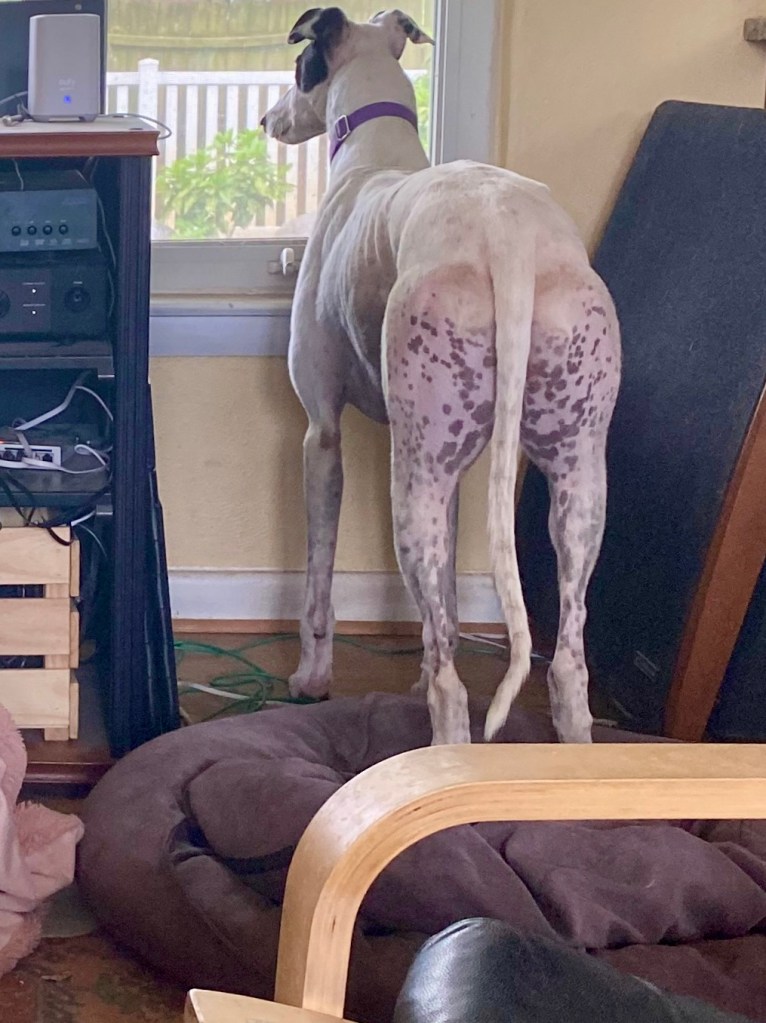
His ticking makes him look like he is wearing yoga pants! This is an iOS 13 Apple Clips manipulated image that exaggerates his markings and coat texture. In boring reality his bum looks like this.
Rocky showing off his yoga pants while watching Squizzer TV
So that it?
No, he did something stupid so Missy give him the nickname for a Twitter post. Her social media assistant has forgotten the specific incident.
Apple iOS Clips App is a lot of fun
Clips App can process new camera images or video clips to apply various transformations to them. I’ve done a couple of things where I’ve grabbed a promising photo off of Twitter, filtered it, and posted it back as a comment on the original post. I modded an image of @NormTheCairn. Later that day both #BovverBoys were posting photos for me to render for them. I like the “Comic” filter.
Before
The Bovver Boys posted this image on the occasion of friends day. I suspect it is a paste up but it is one of their better efforts at getting both of them into the same image. So I saved it to my iPad and had a go at it.
Bovver Boys before Comic Rendering
After
This image is the result of cropping and applying the color version of the Comic transformation. There are monochrome, pen and ink, and various color transformation filters. I keep coming back to the color Comic filter.
Bovver Boys Norm The Cairn and Rupert after comic render and crop
This may be a good technique to try for #ZZST storyboard collages. The ZZST artists make these up using Zombie cartoons as a base layer and clipped images of the brave Zombie Squad war fighters participating in that Saturday’s event.






 Dismal Manor Dispatches
You must be logged in to post a comment.